Blur Background on iPhone - Transform Your Photos Effortlessly
The Best Free App to Blur Background of Photo
Want to blur background of photo on iPhone?
Looking for the best app to blur background?
Make Blur is a free iOS photo editing application that allows users to blur backgrounds in photos with multiple blur effects. You shouldn't have to wrestle with difficult tools to blur background on iPhone.
Make Blur makes it effortless to blur background, blur photo, and blur image on iPhone. Learn how to blur background on iPhone with our intuitive app—the best way to blur background of photo.

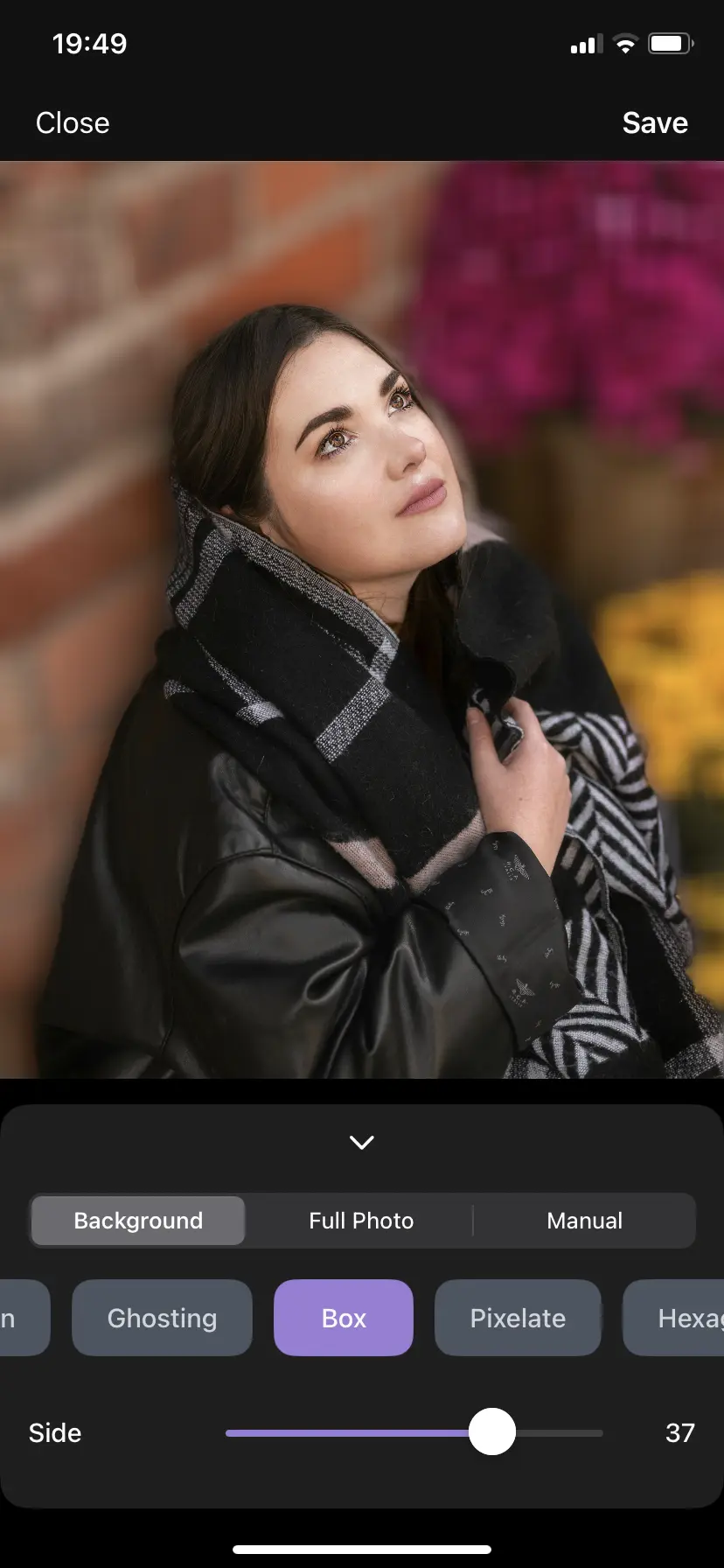
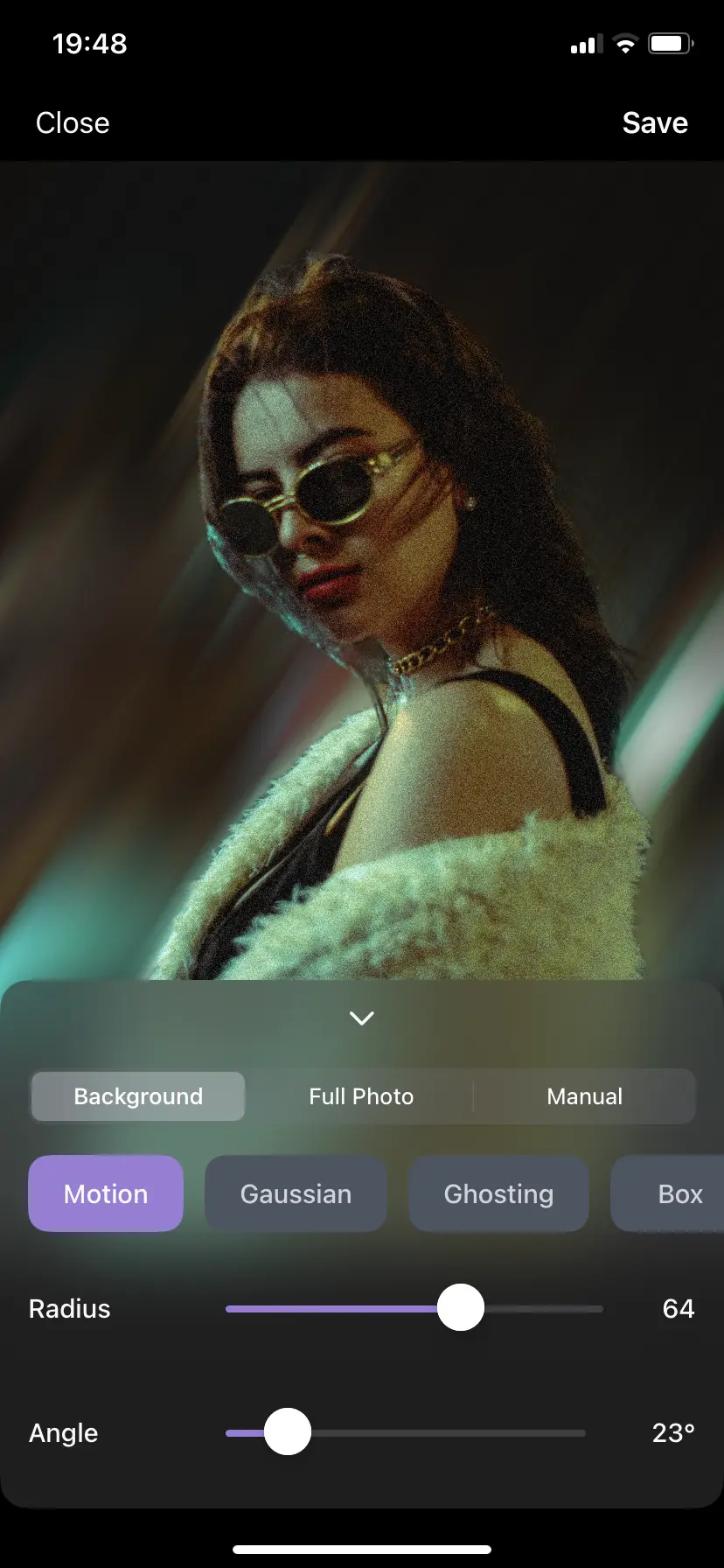
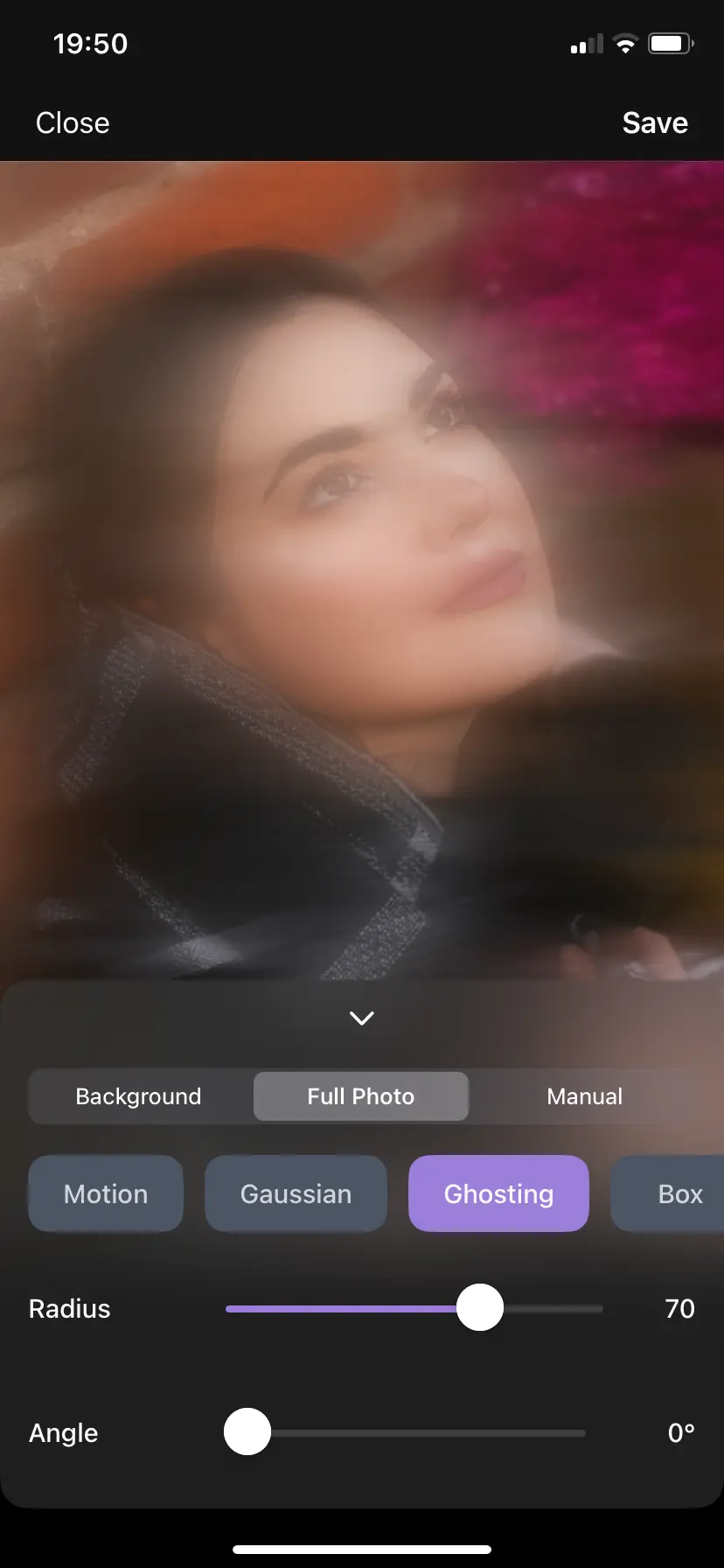
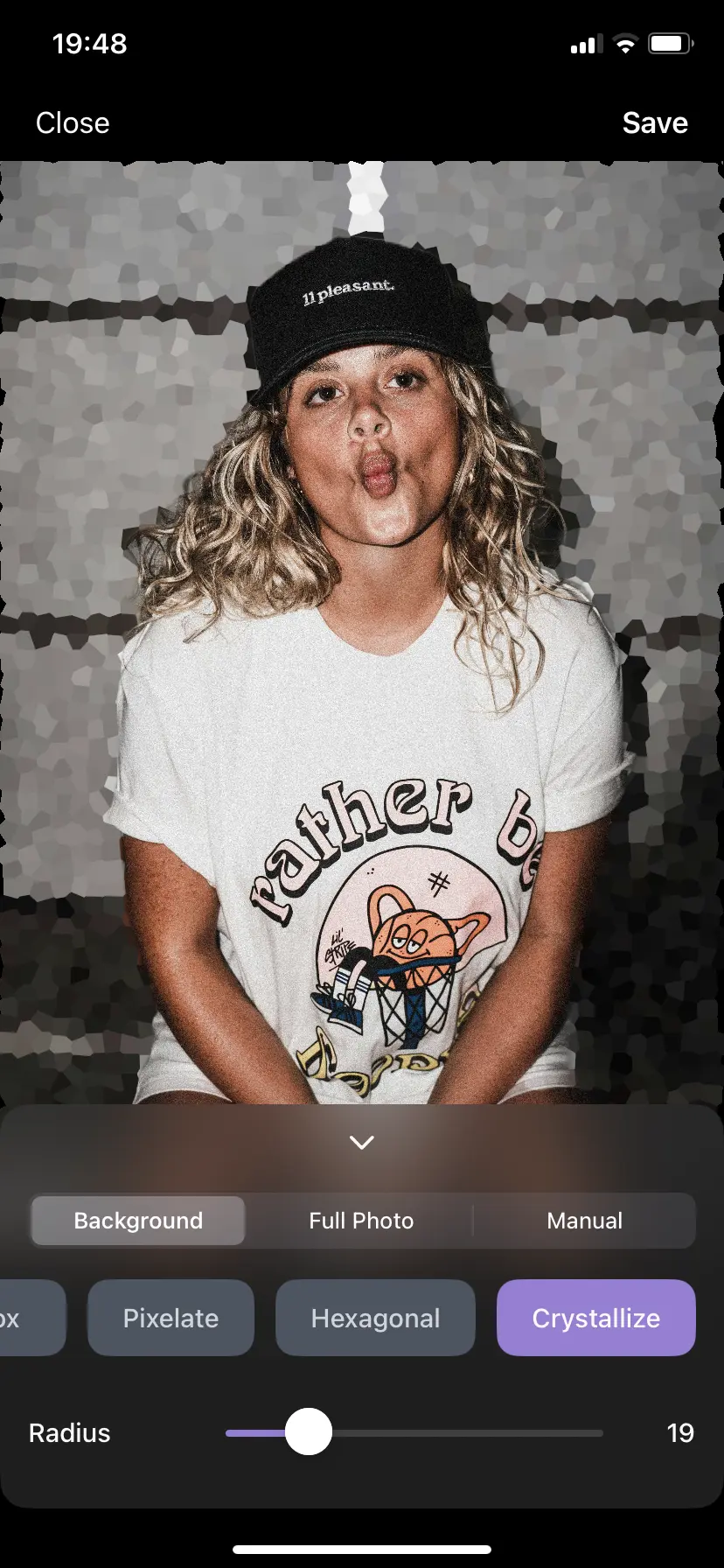
Make Blur by the Numbers
Last updated: January 2026
Blur Background on iPhone - Effortless Photo Editing That Actually Works
We understand how complicated it can be to blur background on iPhone.
That's why we've created the best app to blur background of photo—transforming you from a frustrated beginner into a confident photographer.
No wrestling with difficult tools—just beautiful results when you blur background on iPhone.
Blur Background of Photo - Effortless Background Blur
Blur background on iPhone effortlessly with our auto-detect feature. Perfect for making your subject stand out when you blur background of photo. Create professional-looking images that shine on social media. Learn how to blur background on iPhone with just a few taps—the easiest way to blur background of photo.
Blur Photo and Blur Image - Simple Image Blur
Blur photo and blur image on iPhone without the frustration of complicated apps. Whether you want to blur photo for artistic effect or blur image for privacy, Make Blur provides the tools you need. Discover how to blur photo and blur image quickly and effectively.
Custom Blur Drawing for Background Blur
Draw on your photos to blur background exactly where you want. This unique feature gives you complete control to blur background of photo, allowing for creative and precise photo editing when you blur background on iPhone.
How to Blur a Photo on iPhone Made Simple
Make Blur is the perfect solution for anyone wondering how to blur a photo on iPhone or how to blur a picture on iPhone. Our intuitive interface eliminates frustration—learn how to blur photos on iPhone with ease.
Motion Blur and Gaussian Blur Effects
Apply motion blur and gaussian blur effects to blur background on iPhone. From simple blur effects to advanced motion blur techniques, discover how to blur background with professional results that make you proud.
Best App to Blur Background - Users Love It
Specifically designed for iPhone users who want to blur background of photo effortlessly. Make Blur is an easy way to blur background on iPhone, with a 4.5-star rating from early users. Join others who are starting to transform their photos by learning how to blur background on iPhone.
Multiple Blur Types to Blur Background on iPhone
Motion Blur
Create dynamic motion blur effects to blur background on iPhone. Add movement and energy to your photos with motion blur effect.
Gaussian Blur
Apply smooth, natural gaussian blur to blur background of photo. Professional-looking soft focus effects when you blur background on iPhone.
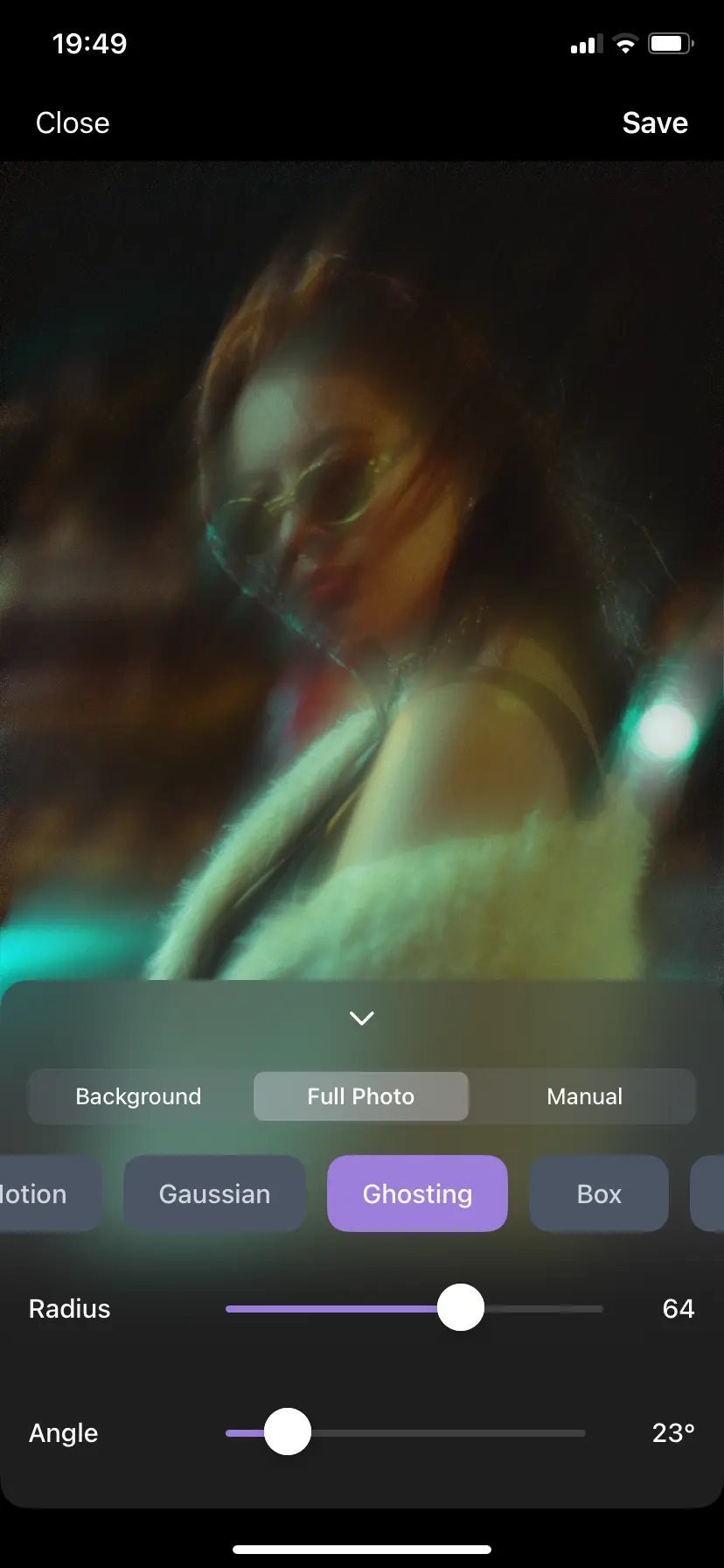
Ghosting
Add ethereal ghosting effects to blur background on iPhone. Create mysterious and artistic photo transformations.
Pixelate
Use pixelate blur to blur background of photo. Create retro, digital art effects or protect privacy when you blur background on iPhone.
Hexagonal
Apply unique hexagonal blur patterns to blur background on iPhone. Creative and modern photo effects.
Crystalize
Transform your photos with crystalize blur effects to blur background on iPhone. Add texture and visual interest.
Make Blur vs Other Blur Apps
See how Make Blur compares to other blur apps for iPhone. We've created a factual comparison to help you choose the best app for blurring backgrounds.
| Feature | Make Blur | Typical Blur App | Premium Blur App |
|---|---|---|---|
| Price | Freemium (free with optional in-app purchases) | Aggressive ads and paywalls | Upfront payment or subscription |
| Number of Blur Effects | 6 types | 2-3 types | 3-4 types |
| Auto-detect Background | Yes | No / Limited | Sometimes |
| Custom Drawing Tool | Yes | No | Sometimes |
| Ease of Use Rating | 4.5 stars | 3.5-4.2 stars | 4.0-4.5 stars |
Data based on App Store information as of January 2026. Make Blur focuses specifically on background blur with an emphasis on ease of use and free access to all features.
How to Blur Background on iPhone - Step by Step Guide
Three simple steps to blur background on iPhone and transform your photos from ordinary to stunning.
No complicated tools, no frustration—just beautiful results when you blur background of photo.
Download the App to Blur Background
Download Make Blur from the App Store—the best app to blur background on iPhone. Get started in seconds and join thousands of happy users who've learned how to blur background on iPhone.
Open Your Photo to Blur Background
Open any photo from your iPhone gallery to blur background of photo. Let the app auto-detect the background so you can blur background on iPhone. No manual selection needed—it's that simple to blur background.
Choose Blur Effect & Save
Choose your favorite blur effect—motion blur, gaussian blur, or other effects—to blur background on iPhone. Save your masterpiece and feel proud of your beautifully edited photos with blurred background.
Frequently Asked Questions
How to blur background on iPhone?
To blur background on iPhone, download Make Blur app, open your photo, and let the app auto-detect the background. Then choose your preferred blur effect (motion blur, gaussian blur, etc.) and save. It's the easiest way to blur background of photo on iPhone.
What is the best app to blur background on iPhone?
Make Blur is a dedicated app to blur background on iPhone. It offers effortless background blur with auto-detect feature, multiple blur types including motion blur and gaussian blur, and a user-friendly interface. Early users rate it 4.5 stars, making it a strong option to blur background of photo.
How to blur photo on iPhone?
To blur photo on iPhone, use Make Blur app. Open your photo, select the area you want to blur (or use auto-detect for background), choose from motion blur, gaussian blur, or other effects, and save. It's simple to blur photo and blur image on iPhone.
Can I blur background of photo for free?
Yes! Make Blur is free to download and lets you blur background of photo, blur image, and blur photo with multiple effects including motion blur and gaussian blur. Some advanced options are available as optional in-app purchases, but you can get great results without paying.
How to blur image on iPhone?
To blur image on iPhone, download Make Blur app. Open your image, use the auto-detect feature to blur background, or manually select areas to blur. Choose from motion blur, gaussian blur, or other effects. It's the easiest way to blur image on iPhone.
What blur effects can I use to blur background on iPhone?
When you blur background on iPhone with Make Blur, you can use motion blur, gaussian blur, ghosting, pixelate, hexagonal, and crystalize effects. All effects work great to blur background of photo and create professional results.
Why choose Make Blur over other blur apps?
Make Blur stands out with its auto-detect background feature, 6 different blur effects, and a freemium model that keeps core tools free. Many competitors lock basic blur behind subscriptions or aggressive ads, while Make Blur focuses on giving you an easy blur background experience first.
How does Make Blur compare to iPhone's built-in blur feature?
While iPhone's built-in blur works in Portrait mode, Make Blur allows you to blur any photo from your gallery, offers 6 different blur effects (motion blur, gaussian blur, ghosting, pixelate, hexagonal, crystalize), and includes an auto-detect feature that works on any photo. Make Blur gives you more control and creative options than built-in iPhone blur.
Is Make Blur better than other blur apps?
Make Blur offers advantages including: a fair freemium model (no forced subscription), 6 blur effect types (more than many competitors), and an auto-detect background feature. With a 4.5-star rating from early users and 10,000+ downloads, it's designed for ease of use, while many competing apps push subscriptions or limit key features behind paywalls.
Ready to Blur Background on iPhone?
If you want to blur background of photo and create stunning photos that shine on social media, downloading our app is the perfect next step.
Enjoy a seamless experience to blur background on iPhone with perfect backgrounds—no more frustration with complicated apps.
Don't miss out on learning how to blur background on iPhone.
Transform from frustrated beginner to confident photographer today.