Best app to blur background on iPhone — what to use when the photo is already taken
Short answer
The best app to blur the background on iPhone depends on when you need it: Portrait mode is best before the shot; for photos you already have, a dedicated subject-aware editor such as How to Blur Photo is the practical choice — automatic subject detection, adjustable strength, face and manual modes, free to download, and processed on-device. Markup, Clean Up, and browser tools each solve a different, narrower problem.
 Free · No uploads · Works on photos you already took
“Best app to blur background on iPhone” usually returns a list of ten general photo editors. Most people asking do not want ten editors; they want to know which route gets a sharp subject and a soft background on a photo that is already in their library, without a learning curve or an upload. This page compares the real options — including the ones built into iOS — against that job.
Built into iPhone
Built-in options first
Portrait mode (Camera): best quality when it works, but only at capture time, only within a couple of metres, and useless for existing photos. Photos f-number slider: adjusts blur on Portrait captures only. Markup: covers areas with shapes; no blur. Clean Up: on Apple Intelligence iPhones, removes objects and can pixelate a brushed face; it does not blur a background. If your photo is already taken in normal mode, none of these blur its background.
What to look for in a background blur app
Automatic subject detection, so you are not tracing outlines with a finger. Adjustable strength, because a headshot and a product photo need different amounts. A manual brush for the cases detection misses. Privacy options (face blur) in the same tool, since the same photos often need both. On-device processing, so personal photos are not uploaded to a server. A price you can see up front.
Web-based blur tools tick some of these boxes but require uploading the photo and typically export a compressed or watermarked file on the free tier.
How to Blur Photo against that list
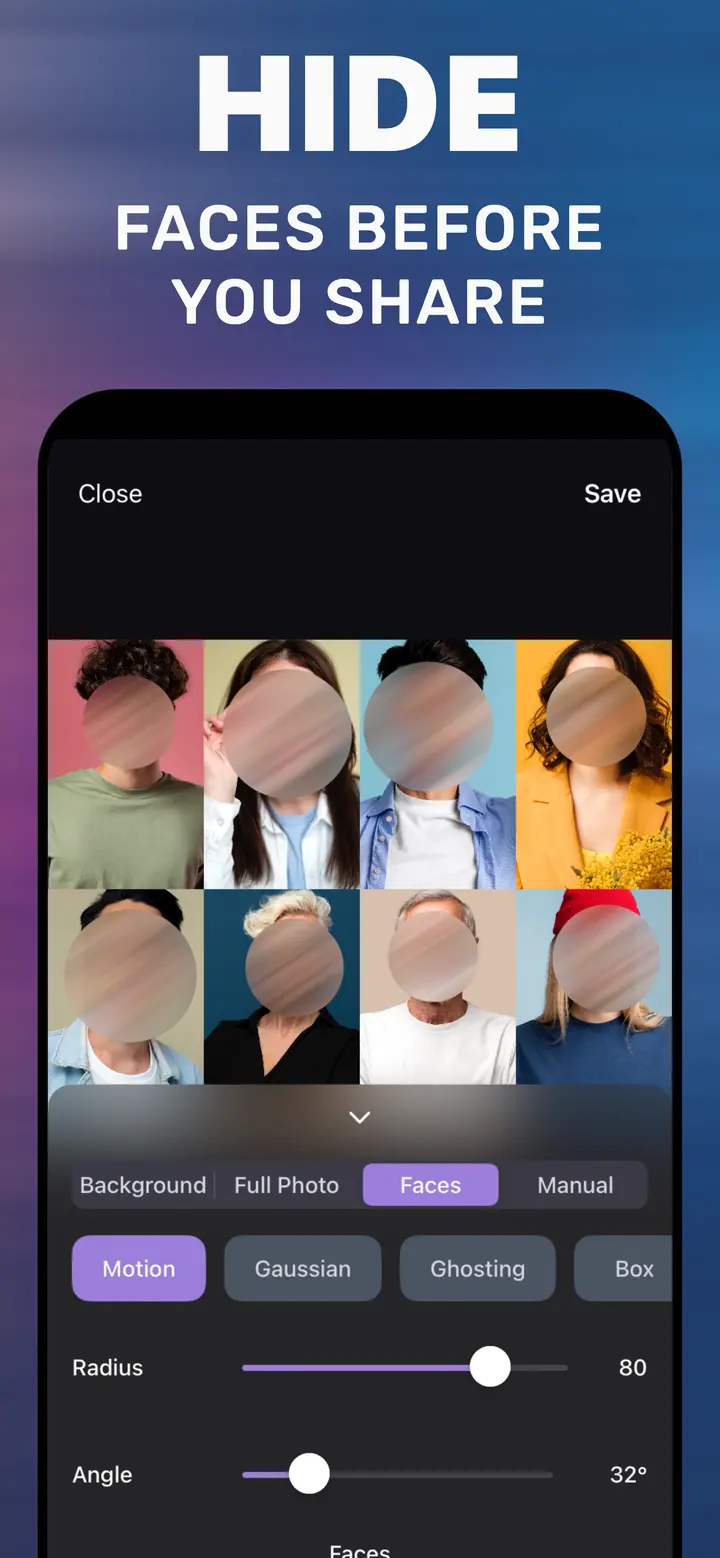
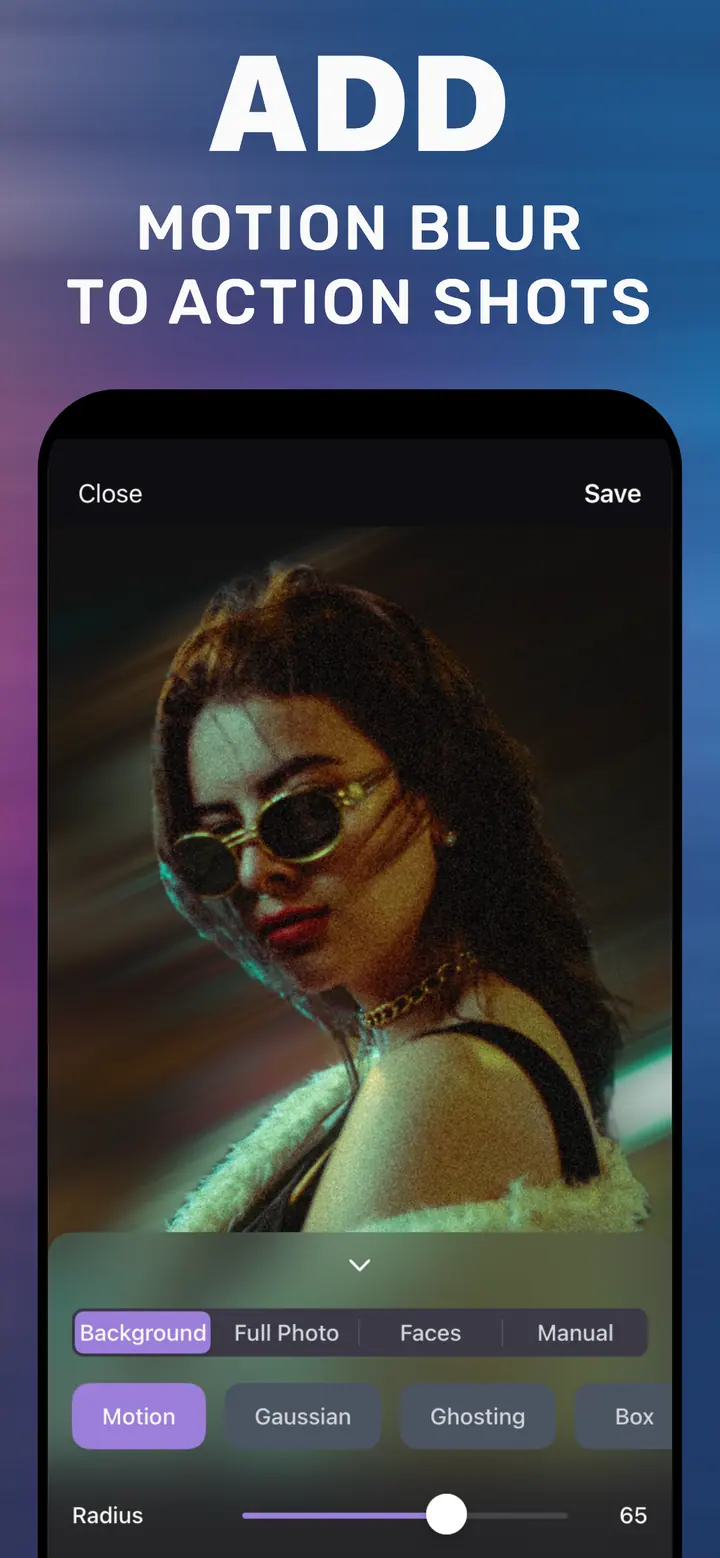
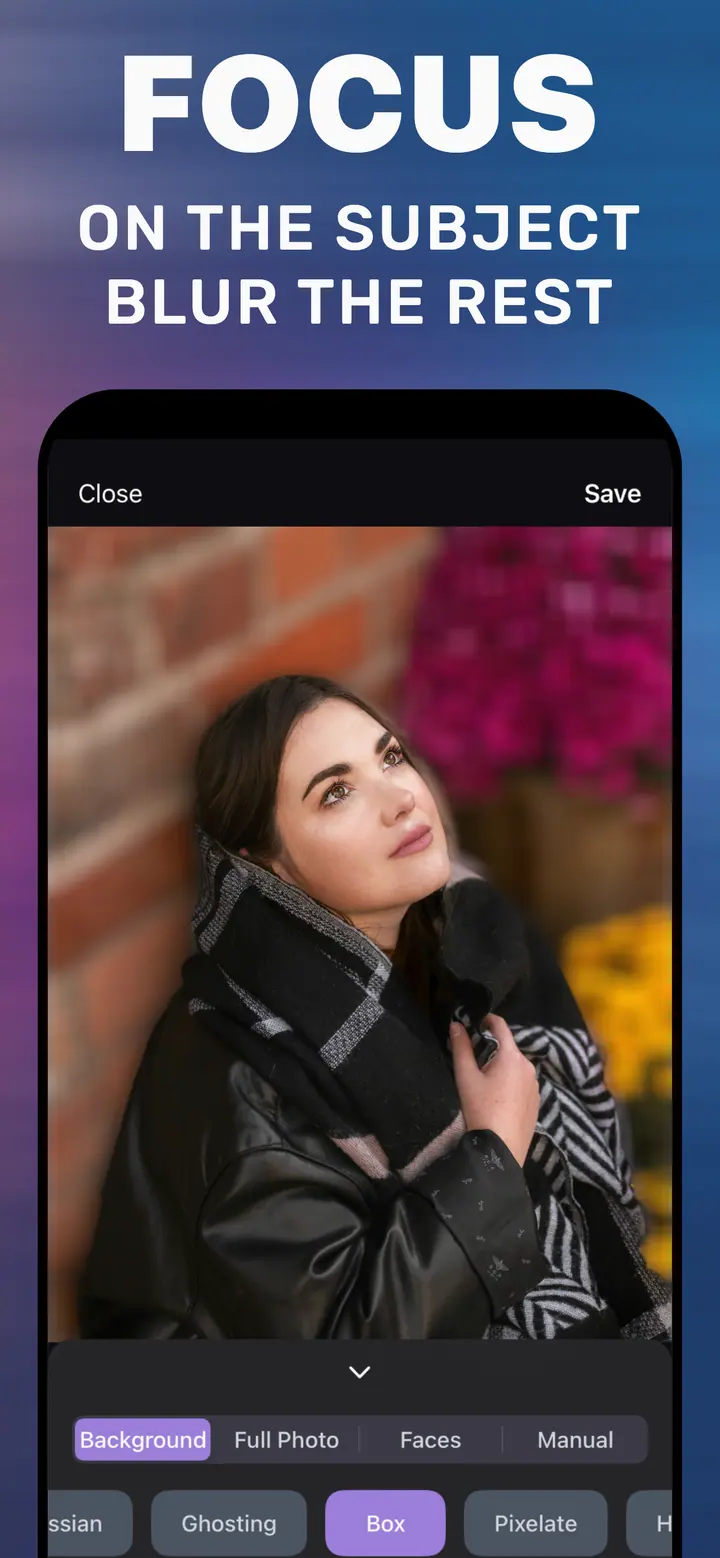
How to Blur Photo (published under the Make Blur brand) is built around this one job. It detects the subject on the Background tab, has a Radius slider for strength, a Manual tab with a brush, a Faces tab for privacy, and a Full Photo tab. Styles include Gaussian, Motion, Ghosting, Box, Pixelate, Hexagonal, and Crystallize. Processing is on-device with no internet required. It is free to download on iPhone with iOS 18.6 or later; basic background blur is included and advanced styles and tools are optional in-app purchases.
What it is not: a general photo editor, a background remover (no transparent cutouts), or a video tool. If you need those, a broader app is the better choice; if you need the background of a photo blurred today, this one is quicker.
Try it in three steps
-
Install from the App Store
Search for How to Blur Photo or use the download button on this page. Free to install.
-
Open a photo with a busy background
The Background tab detects the subject. Pick Gaussian and drag Radius.
-
Save and compare
Tap Save and look at the original and the edit side by side in Photos.
Download How to Blur Photo
Free · iPhone with iOS 18.6+ · No uploads
Deciding quickly
Photo not taken yet → use Portrait mode.
Photo already taken, need a blurred background or a hidden face → How to Blur Photo.
Need a transparent cutout or video blur → a different category of app.
Frequently asked
What is the best free app to blur background on iPhone?
For photos you already took, How to Blur Photo is free to download, detects the subject automatically, and processes on-device. Basic background blur is included; advanced styles are optional purchases.
Can the iPhone blur the background of a photo by itself?
Only for photos captured in Portrait mode. For normal photos, screenshots, and received images, iOS has no background-blur tool.
Do I need a Pro iPhone or Apple Intelligence?
No. The app runs on any iPhone with iOS 18.6 or later.