How to make a photo blurry on iPhone
Short answer
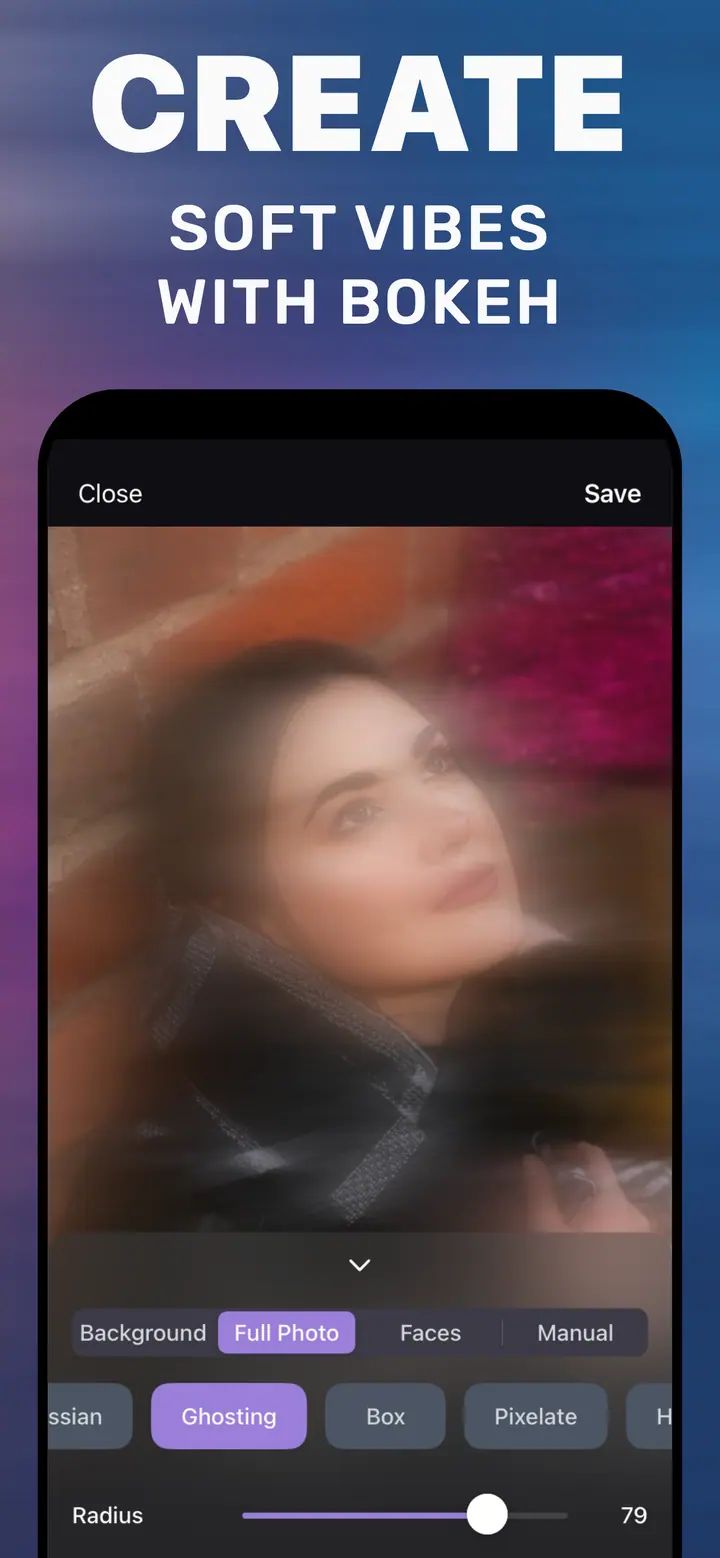
To make a photo blurry, open it in How to Blur Photo, tap the Full Photo tab so the blur applies to the whole image, choose Gaussian for an even softness or Ghosting for a dreamy look, drag Radius to the strength you want, and tap Save. For a blurry background with a sharp subject, use the Background tab instead.
 Free · No uploads · Works on photos you already took
Sometimes the goal is the opposite of a sharp photo: a soft, blurry image for a lock screen, a backdrop behind text in a story, an abstract of a sunset, or a way to share a moment without the detail. iPhone’s Photos app cannot do it, and web tools mean uploading the file. How to Blur Photo does it on the phone with one tab and one slider.
Built into iPhone
Is there a built-in way?
No. Photos has no blur filter for a regular image. Some people zoom far into a photo and take a screenshot to get a soft result, which destroys resolution. Others use the Portrait f-number slider, which only works on Portrait captures and only on the background. A dedicated blur tool is the clean way.
Styles that suit a fully blurry photo
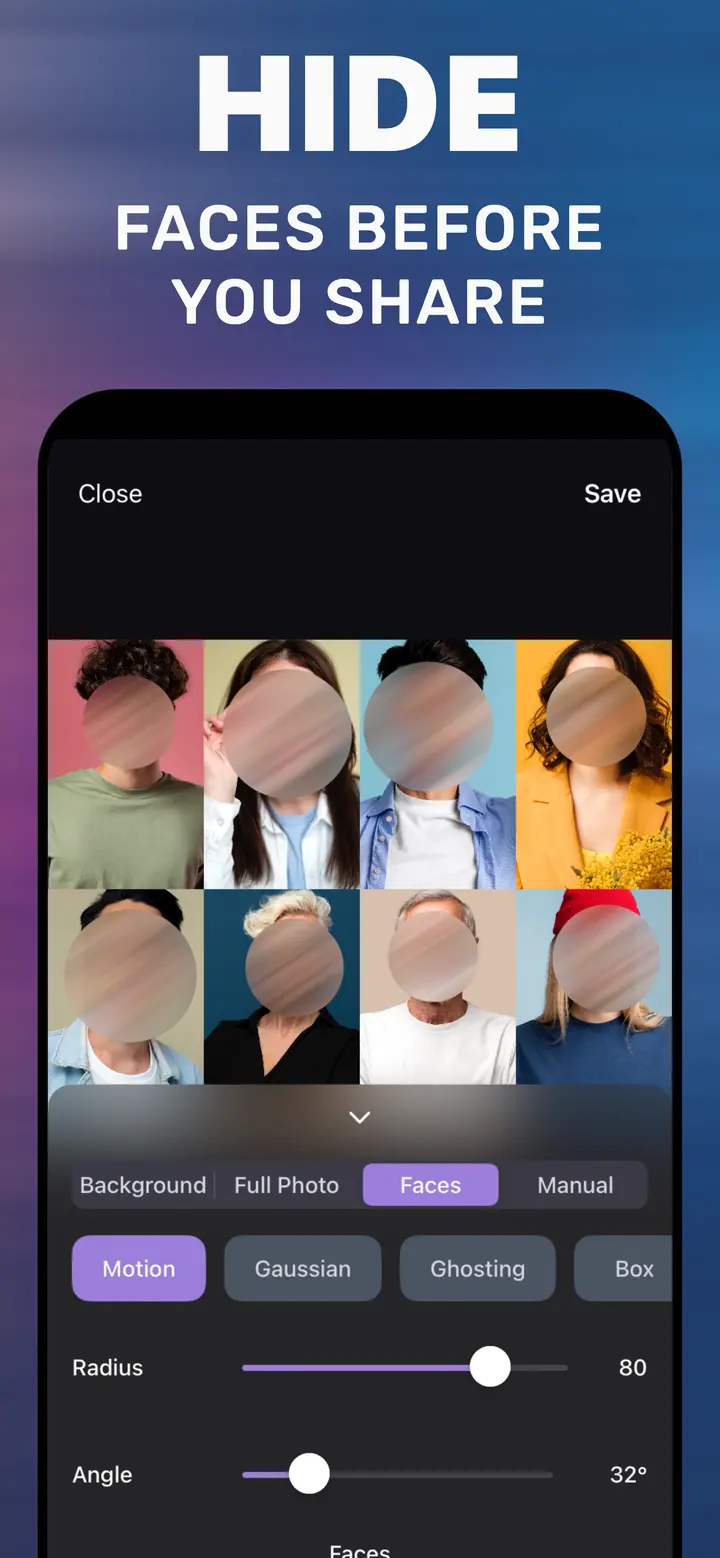
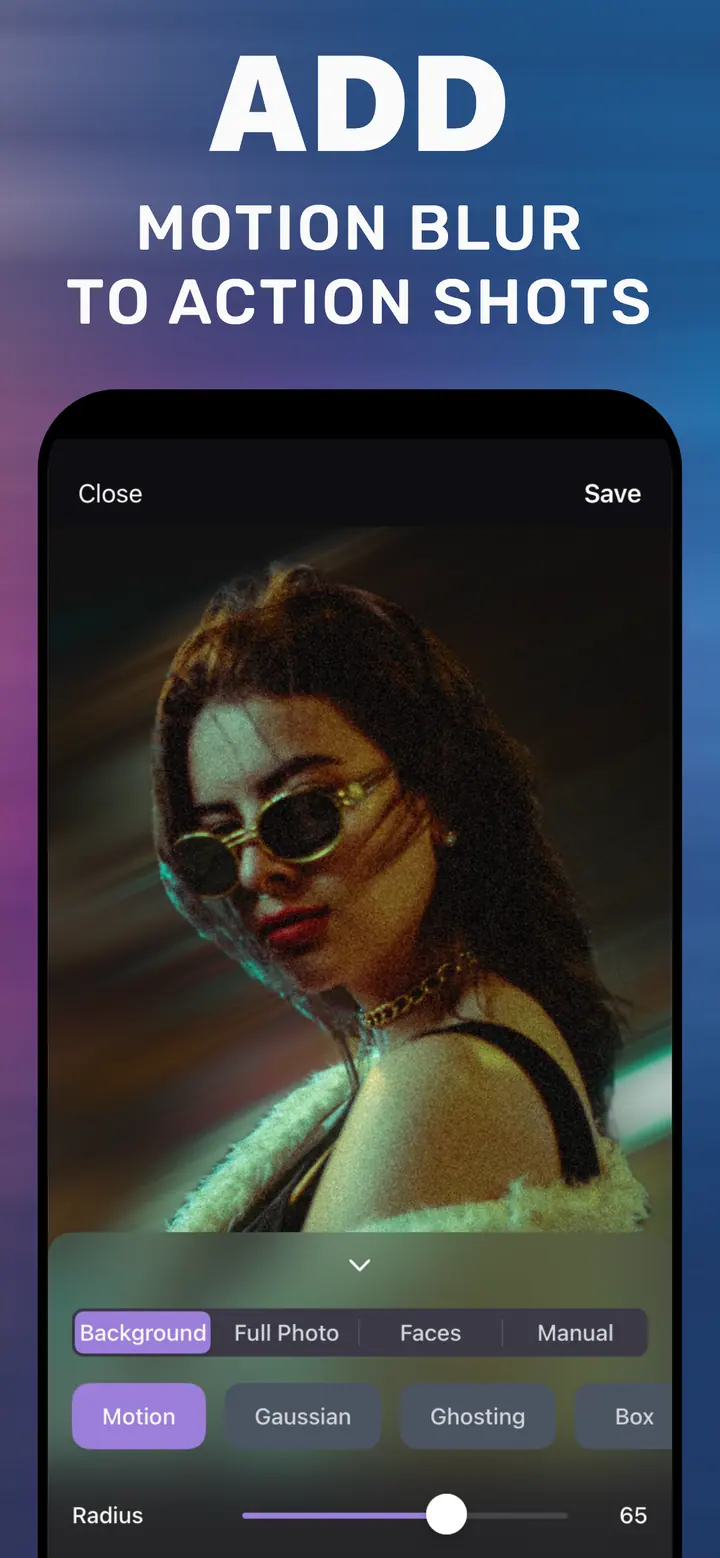
Gaussian gives an even, out-of-focus look and is best for wallpapers and text backgrounds. Ghosting overlays a shifted copy of the image for a dreamy, slightly surreal result that works well on landscapes and night shots. Motion turns the frame into streaks and suits lights and cityscapes. Crystallize and Hexagonal make abstract, mosaic-like art from any photo.
Radius controls how far the blur goes. For a wallpaper you want app icons to sit on, 70 or above. For a “soft memory” look where the scene is still recognisable, 25–40.
If you actually want only the background blurry
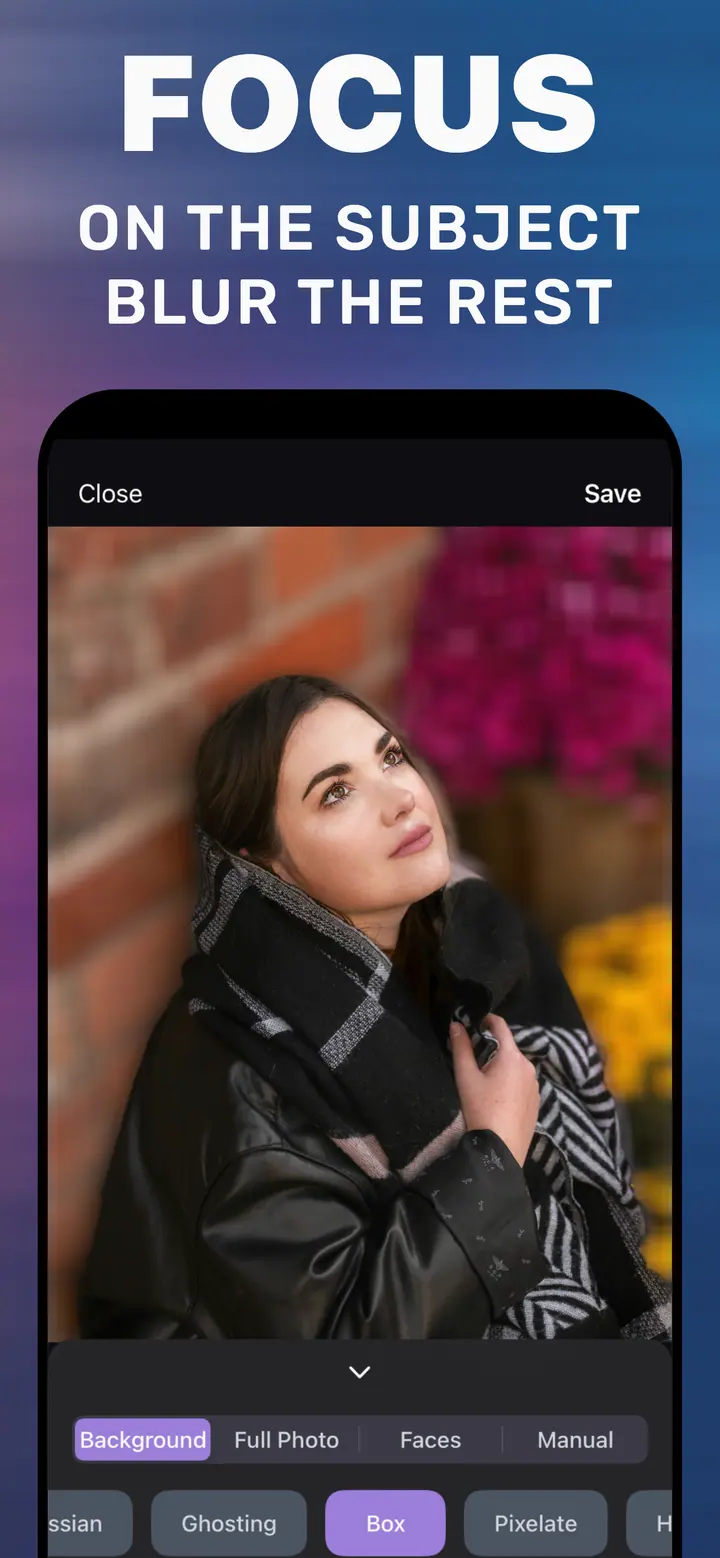
Many people typing “how to make a photo blurry” mean the portrait effect. If that is you, switch to the Background tab: the subject is kept sharp automatically and the same Radius slider controls the background. The guide on blurring the background on iPhone walks through it.
How to make a photo blurry in How to Blur Photo
-
Open the photo
Start How to Blur Photo and select the image from your library.
-
Tap Full Photo
This applies the blur to the entire frame instead of only the background.
-
Choose Gaussian or Ghosting and set Radius
Drag Radius until the photo is as blurry as you want. The preview is live.
-
Save
Tap Save to export the blurry version to your library, then set it as a wallpaper or use it in a story.
Download How to Blur Photo
Free · iPhone with iOS 18.6+ · No uploads
Tips
Blur before you crop to the wallpaper aspect ratio; edges look cleaner.
For text overlays in stories, a Radius around 60 keeps enough colour variation to look alive.
Prefer a limited web tool? The free online editor on this site does full-image blur in the browser, without the app.
Frequently asked
How do I make a whole photo blurry on iPhone?
Open it in How to Blur Photo, tap Full Photo, choose a style, drag Radius, and Save.
Can I make a photo blurry without an app?
Not in Photos. This site’s free online editor does full-image blur in a browser if you prefer not to install anything; it does not do subject-aware background blur.
Will a blurry photo lose resolution?
The exported image keeps the original pixel dimensions; blur removes fine detail but does not downscale the file.